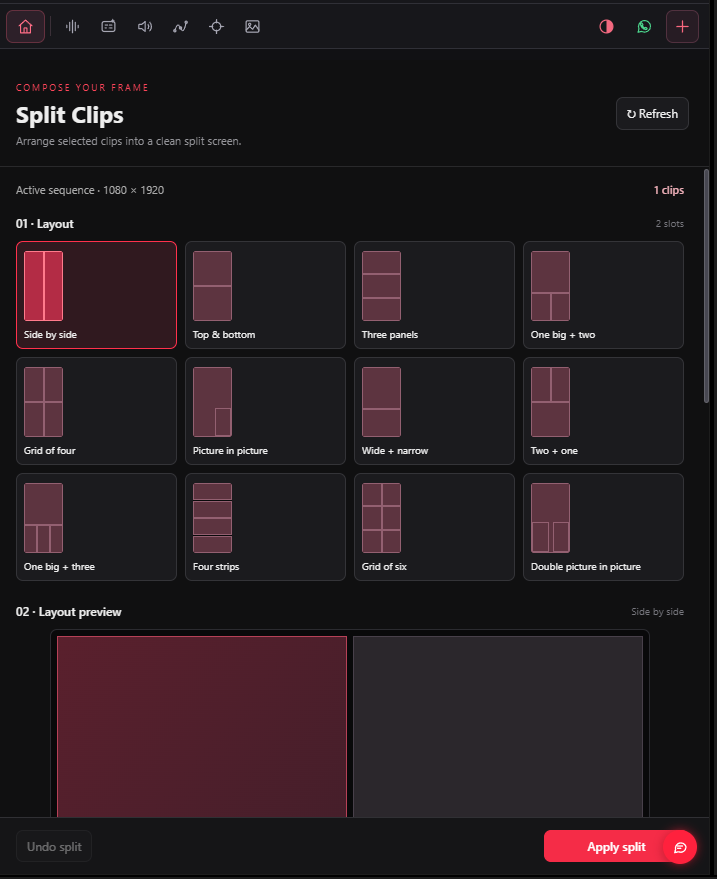
12 layouts
Choose side by side, stacked panels, grids or picture in picture.


Choose from 12 split-screen layouts, assign your clips and adjust the fit and spacing.
Tool availability and requirements vary by system.
Choose side by side, stacked panels, grids or picture in picture.
Arrange selected clips into the layout slots.
Adjust fit and spacing, then apply the split screen in Premiere.
Choose your subscription duration, or contact us to check compatibility with your setup.