Find the gaps
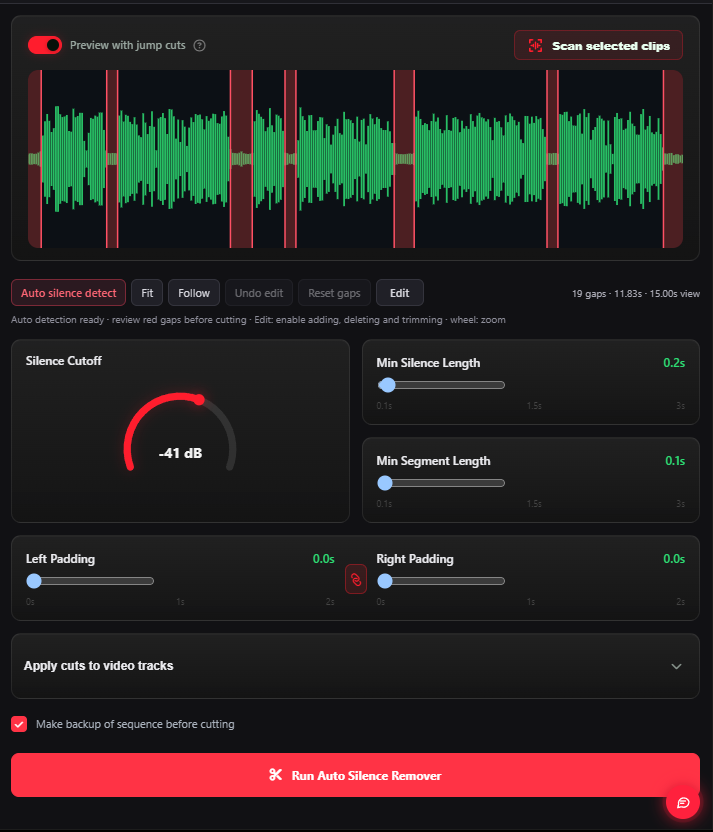
Identify quiet sections in your selected clips.


Scan the selected clips, adjust the quiet gaps and apply your cuts in Premiere.
Tool availability and requirements vary by system.
Identify quiet sections in your selected clips.
Adjust the silence settings to suit the recording.
Apply the cuts inside Premiere and continue editing.
Choose your subscription duration, or contact us to check compatibility with your setup.